Declare Your Websites/Apps
To start monetizing your web or app inventory on our platform, you’ll first need to declare them. This involves providing essential parameters and following a few straightforward steps to set up your app or website.
Required information
Section titled “Required information”Steps to add your inventory
Section titled “Steps to add your inventory”Log in to our Adagio Platform
Connect to https://app.adagio.io.
Go to Inventory > Websites/Apps
In your left Menu, go to the Inventory tab and hit the Websites/Apps section.
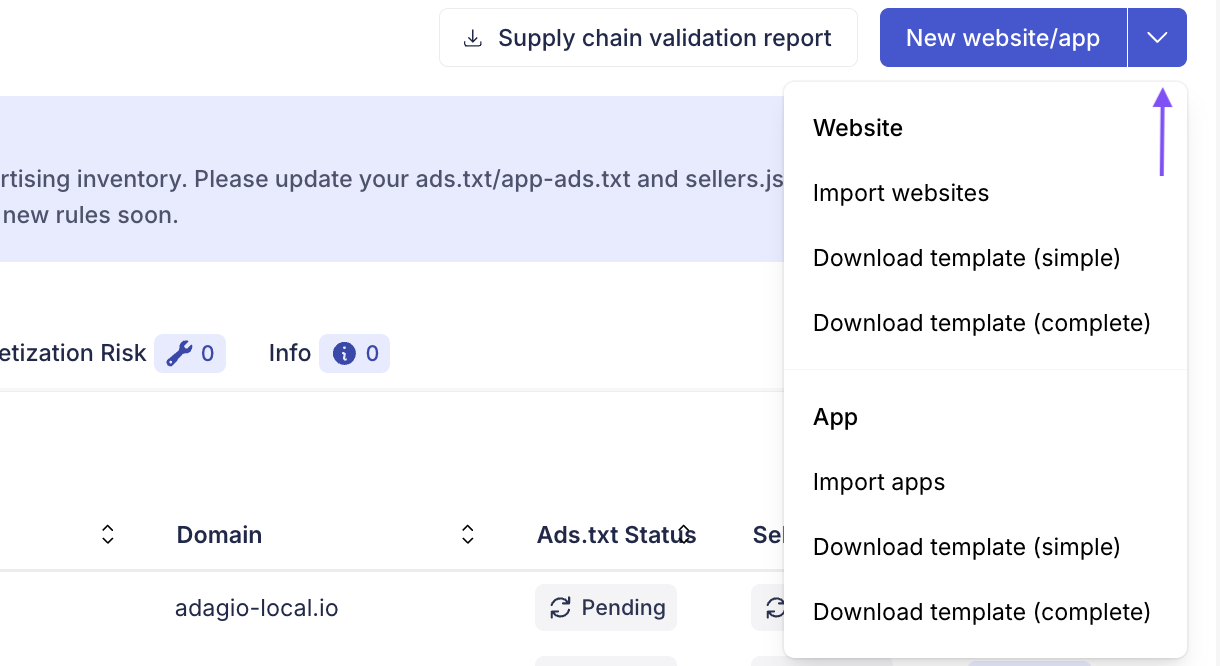
Choose to add your websites/app one by one or use our import template to add several at once.
- Hit New website/app button in the upper right corner.
- Follow the steps
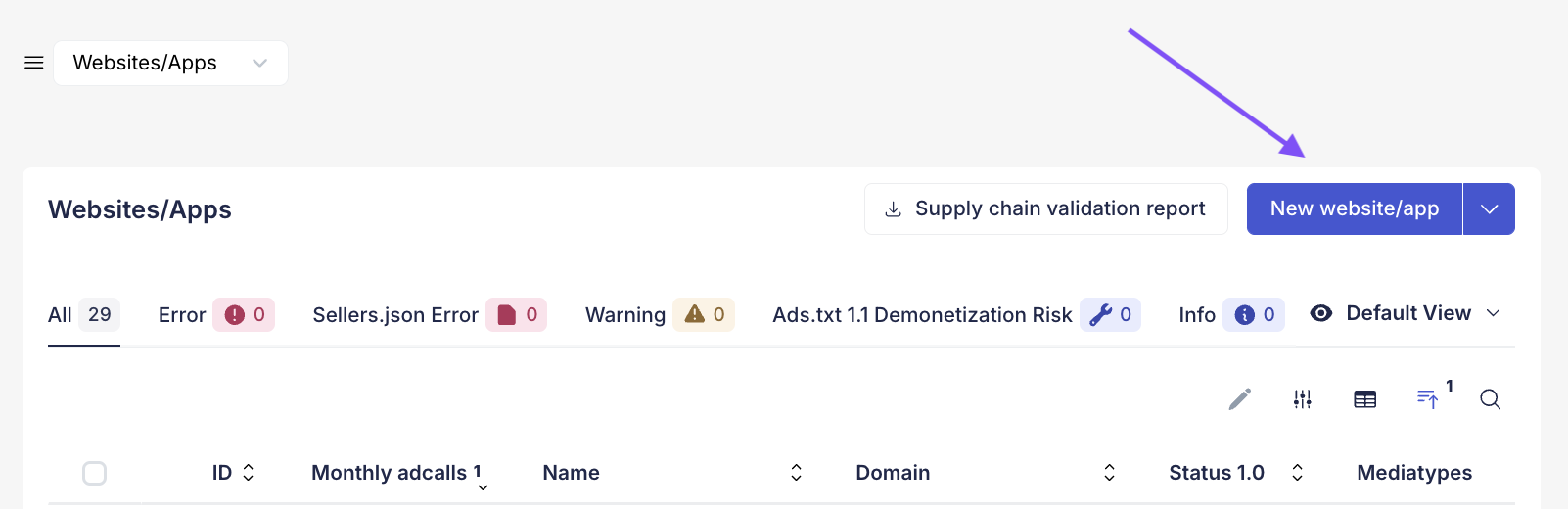
- Hit New website in the upper right corner.
- Download the template and import the completed CSV file by hitting “import websites” or “import apps”.